

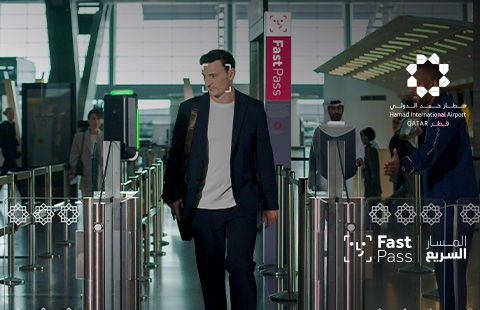
Introducing Fast Pass
Qatar Airways, in partnership with Hamad International Airport, has introduced Fast Pass. Fast Pass is a facial recognition service that enables passengers to move through the airport using biometric verification. Eligible passengers can now use their face as their boarding pass, for a more streamlined journey from check-in to boarding.
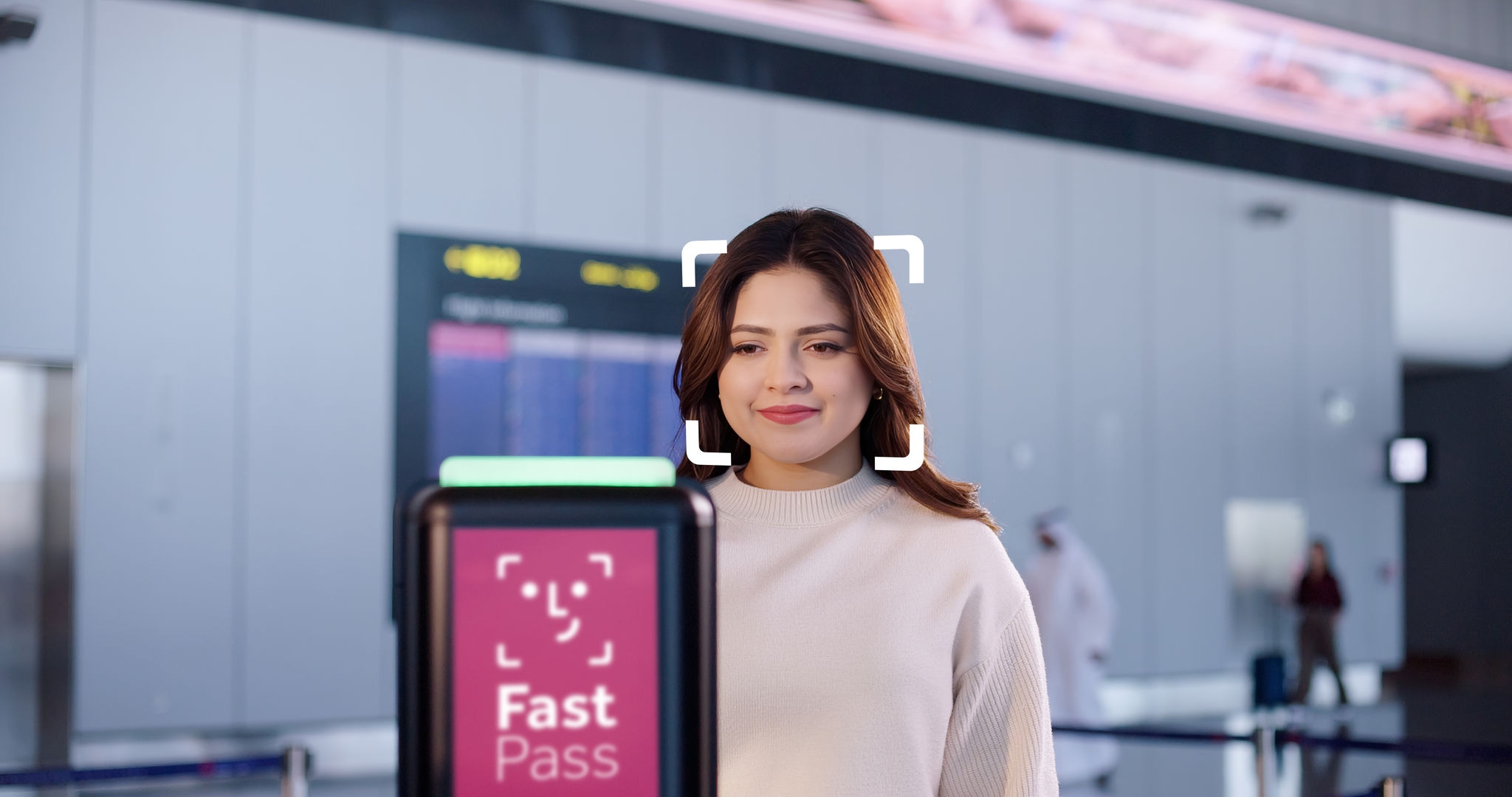


*If you enroll via the app, your digital identity is saved in your device. It is only shared with the airport for the time it takes to complete your trip and deleted 24 hours after your flight departs. Your digital identity remains securely available in the Qatar Airways app. You can delete the data stored in your device at any time in app settings.

Check in on the app
If your flight is eligible and your boarding pass has been issued, you will be prompted to enroll.

Register for Fast Pass
After accepting the privacy notice, follow a few steps to register by scanning your passport and taking a photo of yourself – it won’t take long.

You're all set!
You’re now ready to scan your face in place of your boarding pass at the airport.

FAQs
 How does Fast Pass work?
Fast Pass works by capturing a passenger’s face and linking it to their passport and boarding pass. This creates a secure digital identity that allows the passenger to scan their face at biometric cameras at self-service bag drop, airport security gates and boarding gates.
Who is eligible for Fast Pass?
If your flight is eligible for Fast Pass, we’ll prompt you to register once you check in through the app or self-service kiosks.
How do I register for Fast Pass?
After you check-in, if you’re eligible to register, follow the instructions in the app or at the self-service kiosks. You’ll need the same passport used to check in and a plain background to take a selfie.
Where can I use Fast Pass once I’ve successfully registered?
Once you’ve registered, your facial image is securely linked to your travel document. You can then use facial recognition at designated checkpoints at airport, such as:
- Self-service bag drop, positions 1 and 2 at Row 3
- Security Gates 9 and 10 are dedicated to Fast Pass. Simply look directly at the camera and the gate will open.
- All boarding gates in Concourses A, B and C
- Use Fast Pass-enabled areas, including self-service baggage drop, airport security gates and boarding gate counters, for a more seamless airport experience.
Please remember to keep your passport and boarding pass handy, just in case.
Do I need to register for Fast Pass before every flight?
No, once you've registered, you won’t need to complete the process again. Your data is stored securely on your device, so you’ll only need to consent to using Fast Pass for each new trip.
Once I register for Fast Pass, who has access to my data?
If you enroll through the Qatar Airways app, your digital identity is stored on your device and shared with the airport when Fast Pass is enabled, then deleted 24 hours after your flight departs. Your digital identity remains securely available in the Qatar Airways app. You can delete your stored data from your device at any time through the app settings.
If you enroll at a self-service kiosk, your personal and biometric data is shared only when Fast Pass is enabled and deleted 24 hours after your flight departs.
Can I use Fast Pass at other airports?
Fast Pass is currently available at Hamad International Airport.
If I have Fast Pass, do I need my passport?
Yes, you will need your passport when you pass through immigration and in case the biometric cameras are unable to verify it’s you. You will also need your passport when you arrive at your destination airport.
What happens if a biometric camera can’t verify it’s me?
The biometric camera requires a clear facial image. Please remove your mask, and if necessary, your glasses when you take a photo of yourself.
In case verification is not possible, you’ll be prompted to scan your boarding pass instead. This ensures your journey continues without delay.
What does Privacy Notice mean in biometric enrolment?
The Privacy Notice informs passengers about how their personal data including biometric data will be processed. Passengers are required to provide their explicit consent to the privacy notice before enrolment, ensuring compliance with applicable data protection laws.
How is it ensured that the biometric camera captures only Fast Pass registered passengers?
The designated checkpoints at Hamad International Airport only use automated facial detection to verify enrollment in the biometric program. Non-enrolled individuals are not identified, and any biometric data incidentally captured is deleted immediately and not retained.
Can I delete my Fast Pass?
Yes, you can delete Fast Pass in the Qatar Airways app by going to app settings > Manage Fast Pass. Please note that you can delete it for a future trip, but not for a trip once it has already been enabled.
